
If you’ve ever looked at your website and wondered what those “H1,” “H2,” or “H3” tags mean, you’re not alone. These are called heading tags, and they play a critical role in both how your website looks and how it performs in search engines like Google.
At Halcyon Hosting, LLC, we work with business owners every day who want better visibility online—but don’t always know where to start. Heading tags are one of the simplest and most effective ways to improve your SEO.
In this guide, we’ll break down what heading tags are, why they matter, and how to use them correctly.
What Are H1, H2, and H3 Tags?
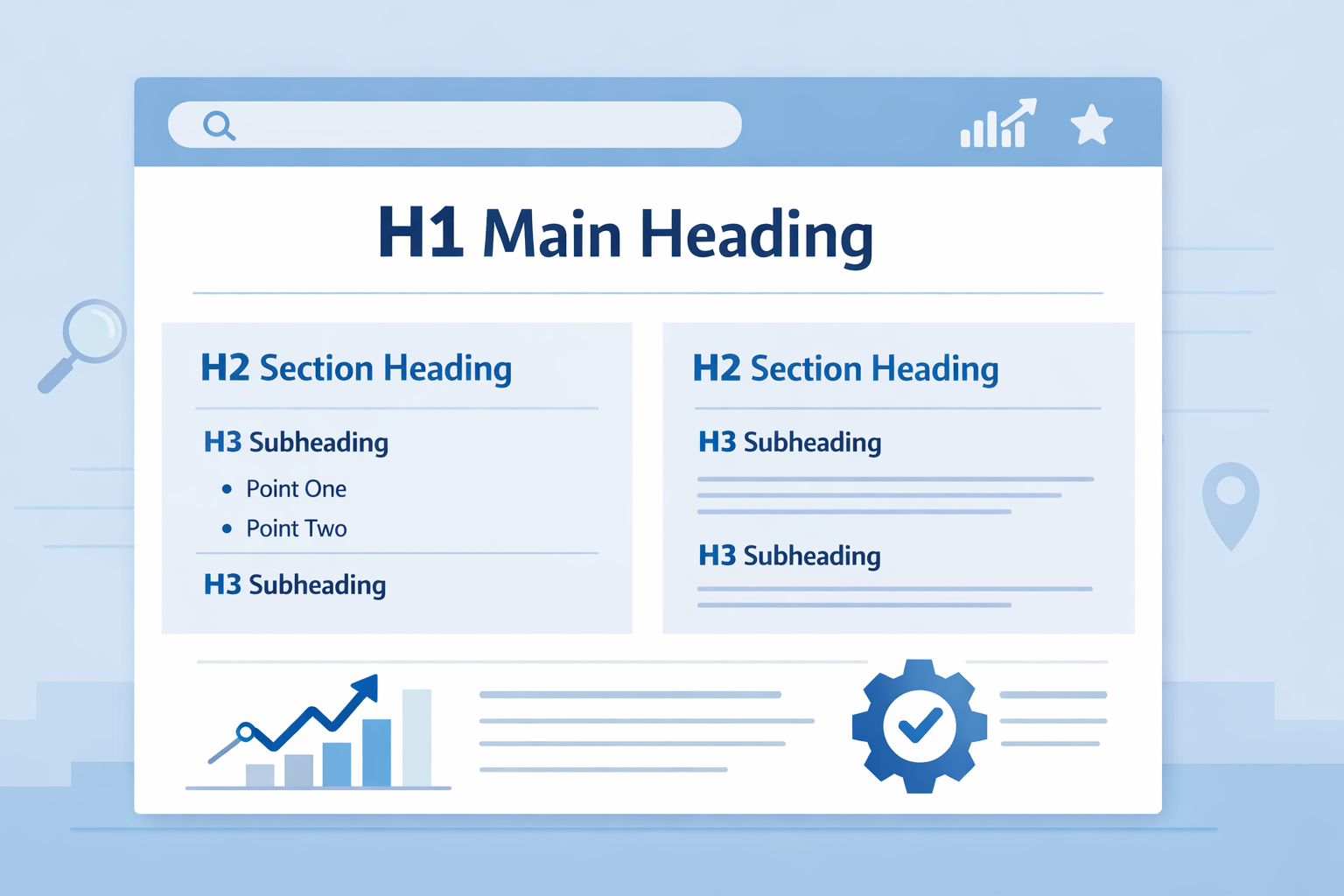
Heading tags are used to structure the content on a webpage. Think of them like an outline:
- H1 = Main title of the page
- H2 = Main sections
- H3 = Subsections within those sections
They help both users and search engines understand what your content is about.
Why Heading Tags Matter for SEO
1. Helps Google Understand Your Content
Your H1 tag tells Google the main topic of your page. It’s one of the first things search engines look at when determining relevance.
H2 and H3 tags support that topic by adding structure and context.
2. Improves User Experience
Visitors don’t read every word—they scan. Headings:
- Break up content
- Make pages easier to read
- Help users find information quickly
Better user experience often leads to longer time on site, which supports SEO.
3. Helps You Rank for More Keywords
Each heading is an opportunity to naturally include relevant keywords.
For example:
- H1: SEO basics
- H2: Why heading tags matter
- H3: How to use H1 tags correctly
This helps Google match your content to more search queries.
Best Practices for Using Heading Tags
Use Only One H1 Per Page
Your H1 should clearly describe the page and include your primary keyword. Avoid multiple H1s.
Use H2 Tags for Main Sections
Each H2 should represent a major topic and be easy to scan.
Use H3 Tags for Supporting Details
H3 tags help break down content into smaller, digestible sections.
Keep a Logical Structure
Think of your page like an outline:
- H1 → Title
- H2 → Sections
- H3 → Subsections
Avoid skipping levels (like jumping from H1 to H4).
Common Mistakes to Avoid
- Using multiple H1 tags
- Using headings only for styling
- Skipping heading levels
- Not using headings at all
- Keyword stuffing headings
Keep your structure simple and natural.
Why This Matters for Your Business Website
Many small business websites miss easy SEO wins because they don’t structure their content properly.
At Halcyon Hosting, LLC, we help businesses build websites that are not only fast and secure—but also optimized to be found on Google.
Heading tags are one of the easiest improvements you can make today.
Need Help with SEO or Website Optimization?
If you’re unsure whether your site is structured correctly, we can help. From hosting to SEO optimization, Halcyon Hosting is here to support your online growth.